DXF generator demo: a flange DXF from a few sizes
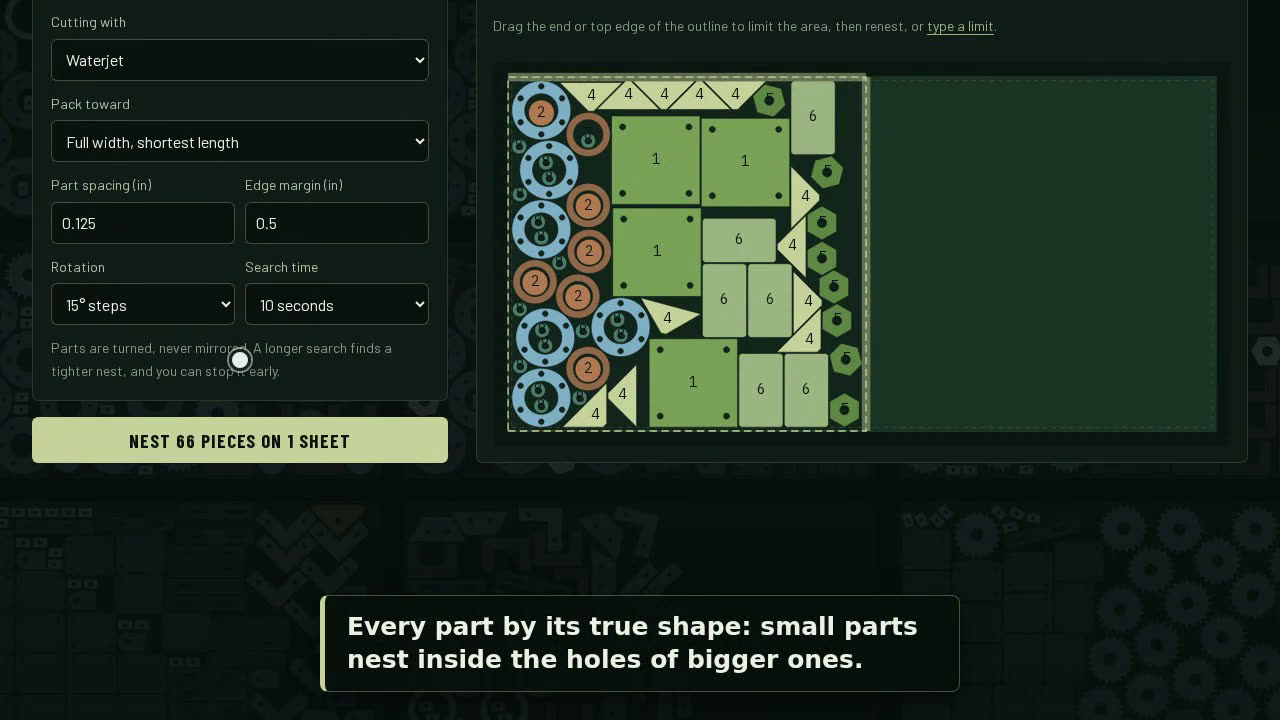
A 1:32 video, silent with captions, of Nestor's free DXF generator. Without an account, a flange is drawn from its sizes: 10 in outside diameter, 5.5 in bore, and eight 7/8 in bolt holes on an 8.5 in bolt circle. A bolt circle too big for the flange is caught and explained, and nothing downloads until it is fixed. The DXF downloads in millimeters. Then Nest it signs in with a code sent by email, and twelve of the flanges are nested on a sheet, with the yield and the drop.
What the video shows
- 0:00DXF generator. Flanges, base plates, rings and plates, drawn from a few sizes. Free.
- 0:05Pick a shape: flanges, base plates, rings, discs, plates, hexagons and gussets. No account needed.
- 0:11Type the sizes. The part is drawn to scale as you type.
- 0:28If a size can't work, it says what to change, and won't download until it's fixed.
- 0:39Inches or millimeters: the DXF is written in the unit you pick.
- 0:43Download the DXF, free: true circles, one layer, ready for your cutting software.
- 0:48With a free account, save it to your parts library or send it straight to a nest.
- 0:52Sign in with your email. Nestor emails you a code: no password.
- 0:59Type the code from the email.
- 1:06The flange is already in the nest. Set how many, and nest it.
- 1:13Nestor tries layout after layout and keeps the tightest one.
- 1:23Twelve flanges on the sheet, with the yield and the drop left over.
- 1:28Free at nestorspace.com. Draw a part at nestorspace.com/dxf. No account needed to download.
Try it
DXF generator is part of Nestor, free online nesting software for laser, plasma, waterjet, router, shear and saw. Draw a flange, or read more: The DXF generator.