DXF nesting demo: true shape nesting in Nestor
A 1:45 video, silent with captions, of Nestor's cut shape nesting, the free online DXF nesting tool for laser, plasma, waterjet and router. Eight DXF parts go in: a flange, a base plate, a ring, a disc, a gusset, a hexagon, a plate and a washer, 66 pieces in all. Nestor nests them by their true shapes for a waterjet, small parts inside the holes of bigger ones, and shows the blank the job needs, its yield and the drop. Then the cut time estimate, a DXF of each sheet for the cutting software, and the nest saved to the account.
What the video shows
- 0:00Cut shape nesting. Free DXF nesting for laser, plasma, waterjet and router.
- 0:04From Your Nestor, open Cut shape nesting.
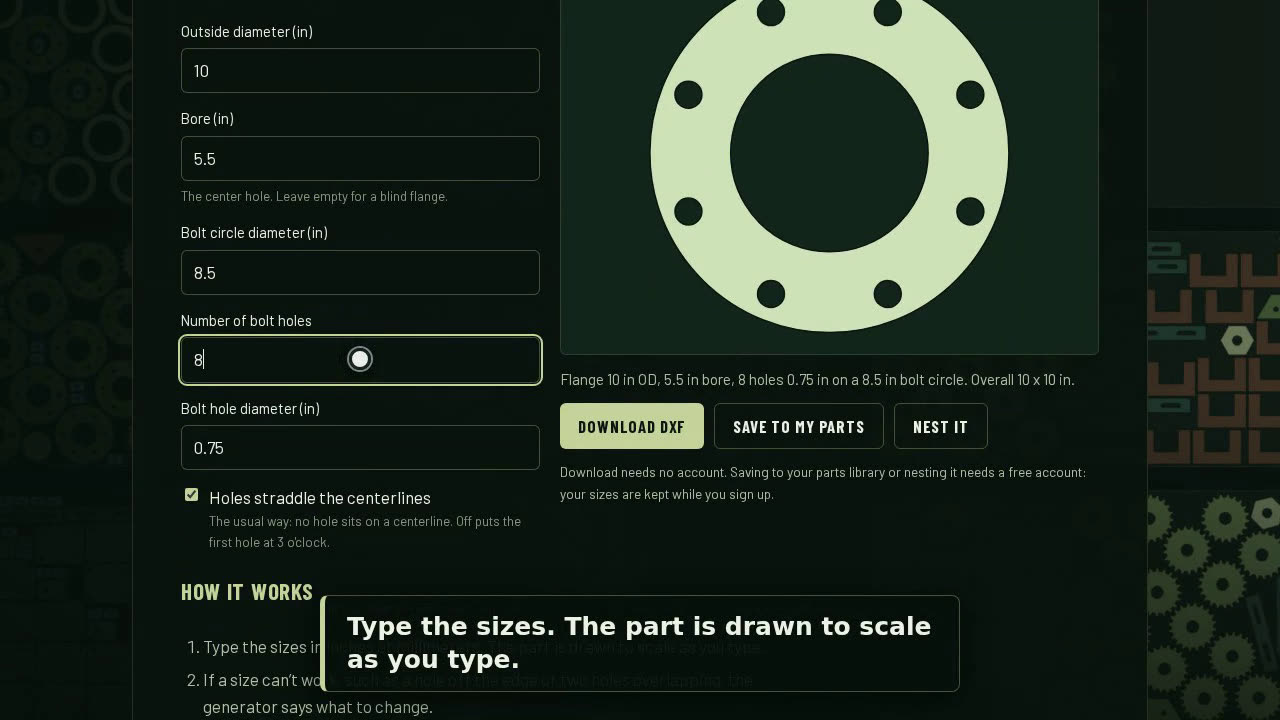
- 0:08Add your DXF parts: drop the files in, or pick them from your computer or your parts library.
- 0:14Set how many of each. Each part is drawn as it was read, so you can check it.
- 0:35Pick the sheet and what you cut with. Part spacing and edge margin fill in to suit the machine.
- 0:43Press Nest. Nestor tries layout after layout and keeps the tightest one.
- 0:57Every part by its true shape: small parts nest inside the holes of bigger ones.
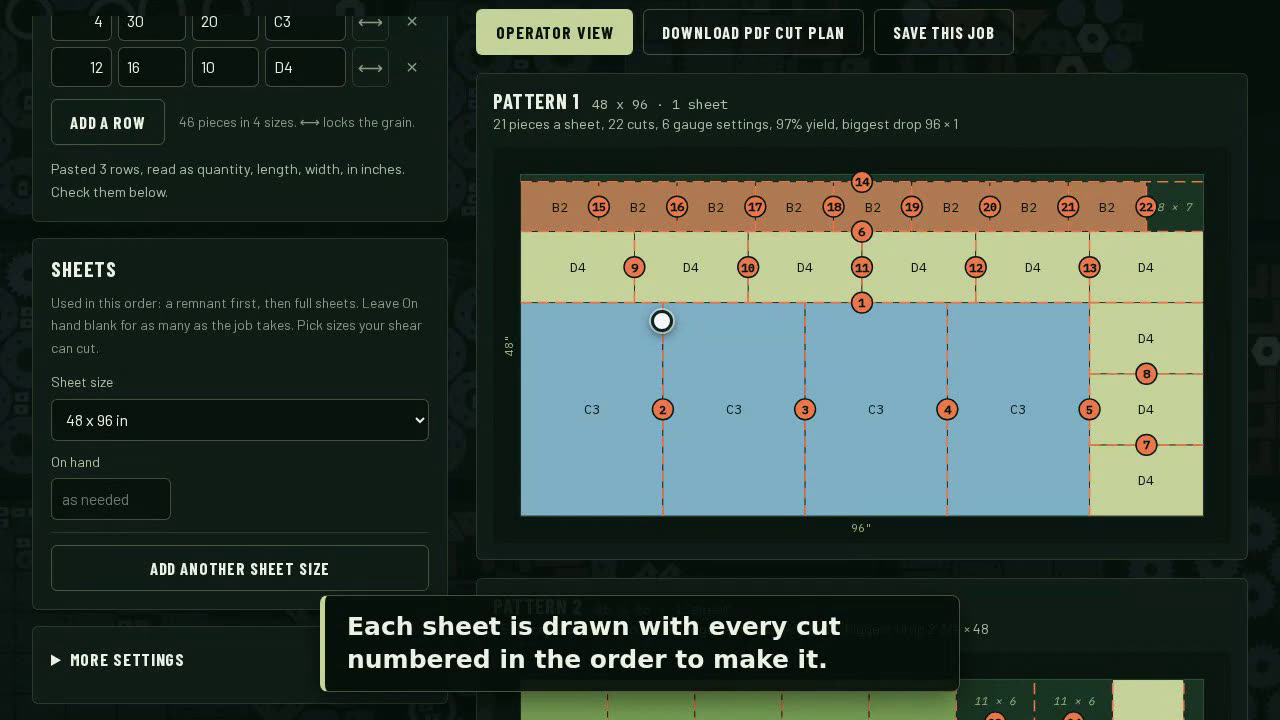
- 1:03See the blank the job needs, its yield, and the drop left over.
- 1:09Open the cut time estimate and pick the process, material and thickness.
- 1:23Download a DXF of each sheet for your cutting software.
- 1:29Save the nest to your account to open it again later.
- 1:41Free at nestorspace.com. Create a free account with your email. No password.
Try it
Cut shape nesting is part of Nestor, free online nesting software for laser, plasma, waterjet, router, shear and saw. Create a free account, or read more: Nestor, free DXF nesting.